
Why TIA Portal needs a Desktop Companion App, and Studio 5000 doesn’t.
Allen-Bradley gives you a clean, standard L5X export. Siemens TIA Portal doesn’t. Here’s what PLCs.ai actually supports across S7 platforms, and how the Desktop Companion App closes the export gap.
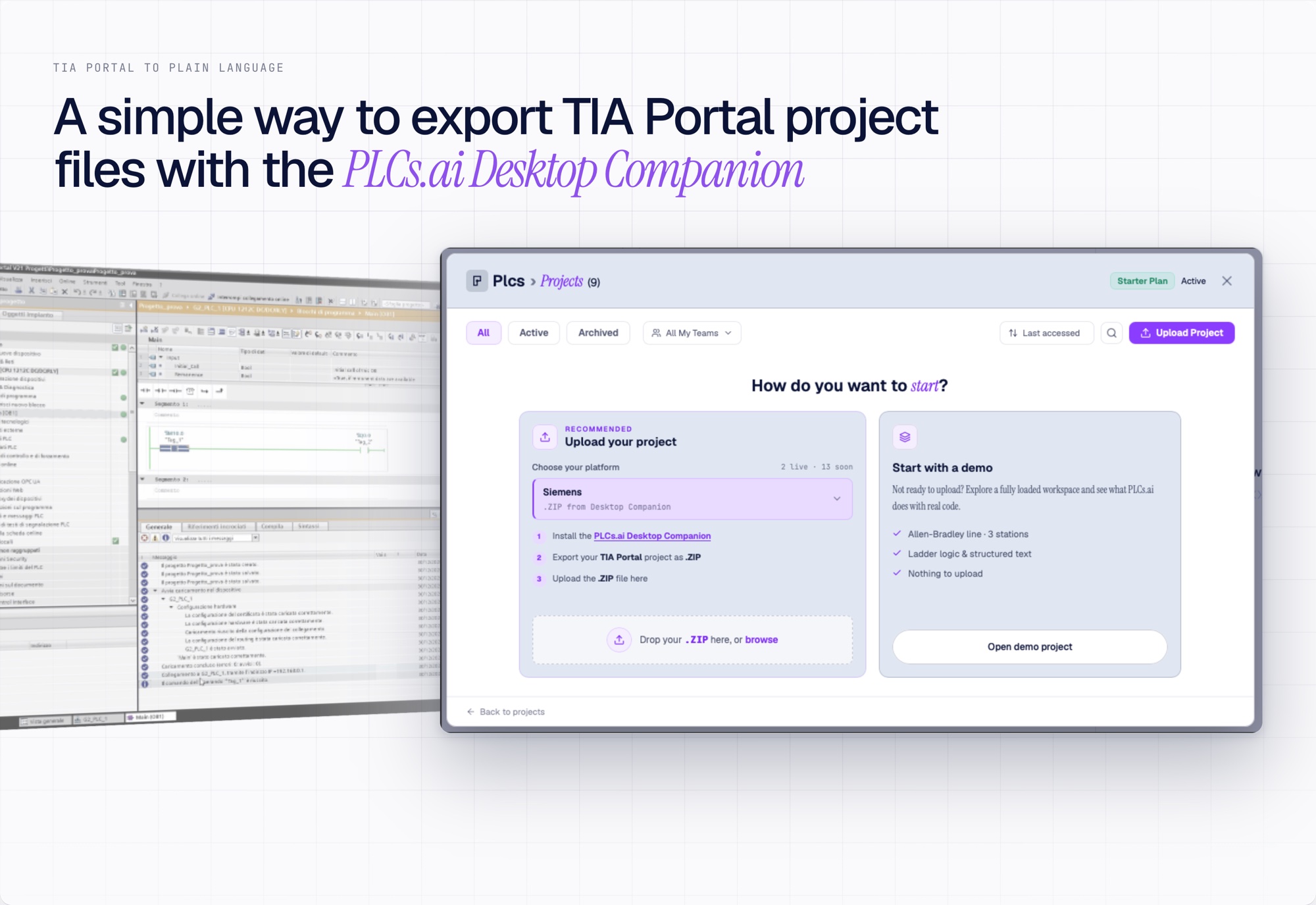
Studio 5000 makes exporting a project simple: one file, L5X, portable and readable. TIA Portal has no equivalent. There is no single standard export that hands you a clean, complete copy of the project. Here is what full TIA Portal support covers, and how we solved the export problem.
What TIA Portal support actually covers
- 01S7-1200, S7-1500, S7-300, and S7-400 projects maintained in TIA Portal.
- 02Legacy STEP 7 Classic and S5 projects, supported after migration into TIA Portal via Siemens’ standard migration path. Full feature set applies post-migration.
- 03SCL, FBD, LAD, and SFC/GRAPH, all analyzed.
- 04Graphical languages (FBD, LAD, SFC) parsed into their actual network, step, and transition structure, not flattened to text.
- 05Optimized data blocks, supported through the same ingestion path with full symbolic understanding, dependency tracing, and Q&A.
One export, handled automatically
Ingestion runs through the official Siemens Openness API. The PLCs.ai Desktop Companion App, once installed and deployed in the OT environment, performs that export automatically: an engineer points it at a TIA Portal project, and the export is handled with no manual data preparation.
From understanding to code modification and generation
Code generation and modification is supported for SCL, FBD, LAD, and SFC. Every change follows an intuitive, step-by-step guided process that calls for explicit human acceptance before it is saved, and is captured as an immutable version.
TIA Portal was never missing data. It was missing an intelligence layer, available to any engineer. That’s what we bring.
This is the same platform already running in full production on Studio 5000. If your line runs Siemens, this is where it starts.
See the full TIA Portal page →More from the blog
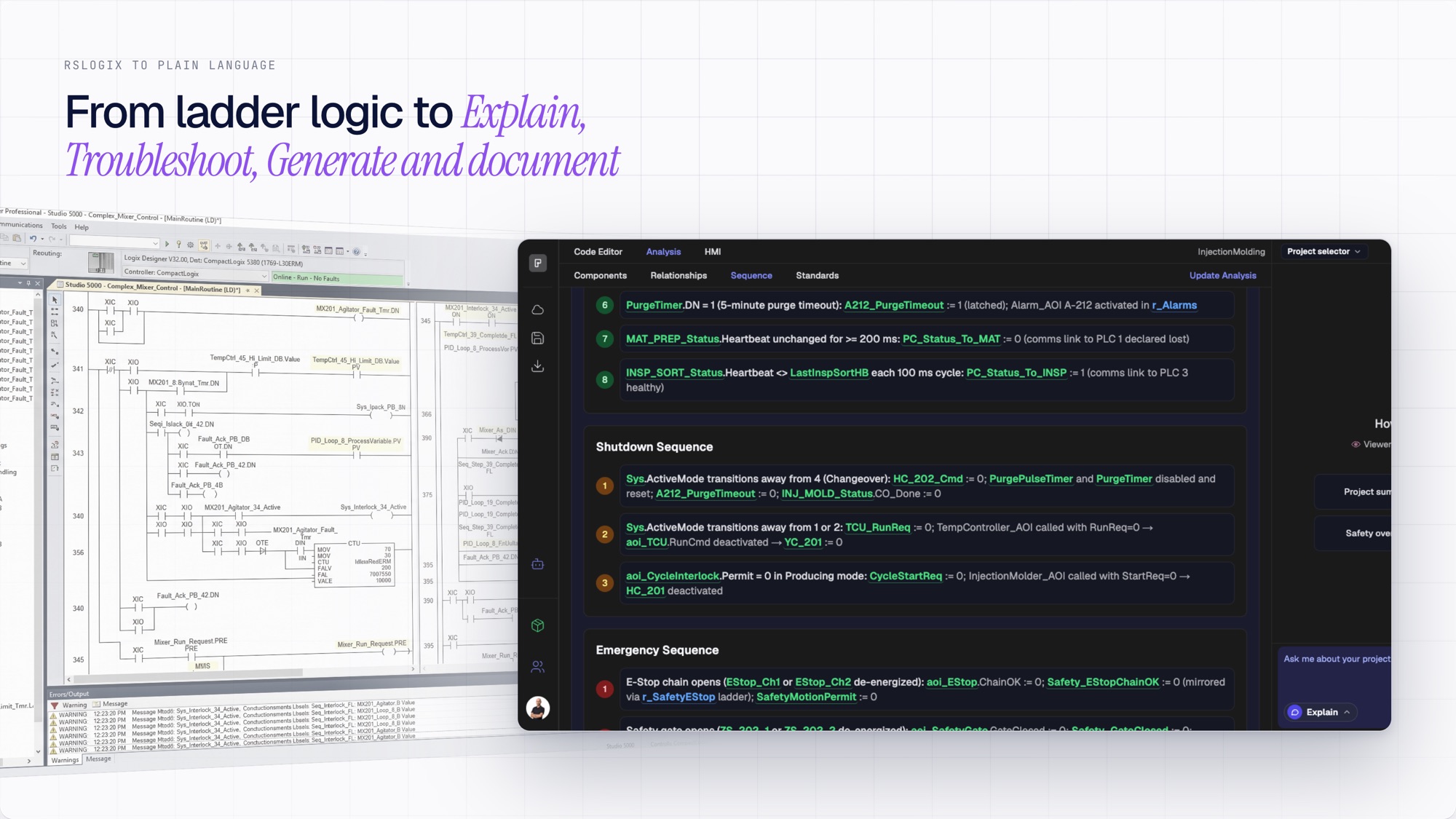
AI for Studio 5000 and Allen-Bradley PLCs, from explain to document.
Upload any Studio 5000 project and understand it in plain English. Explain, troubleshoot, generate, and document, all grounded in your actual L5X project.
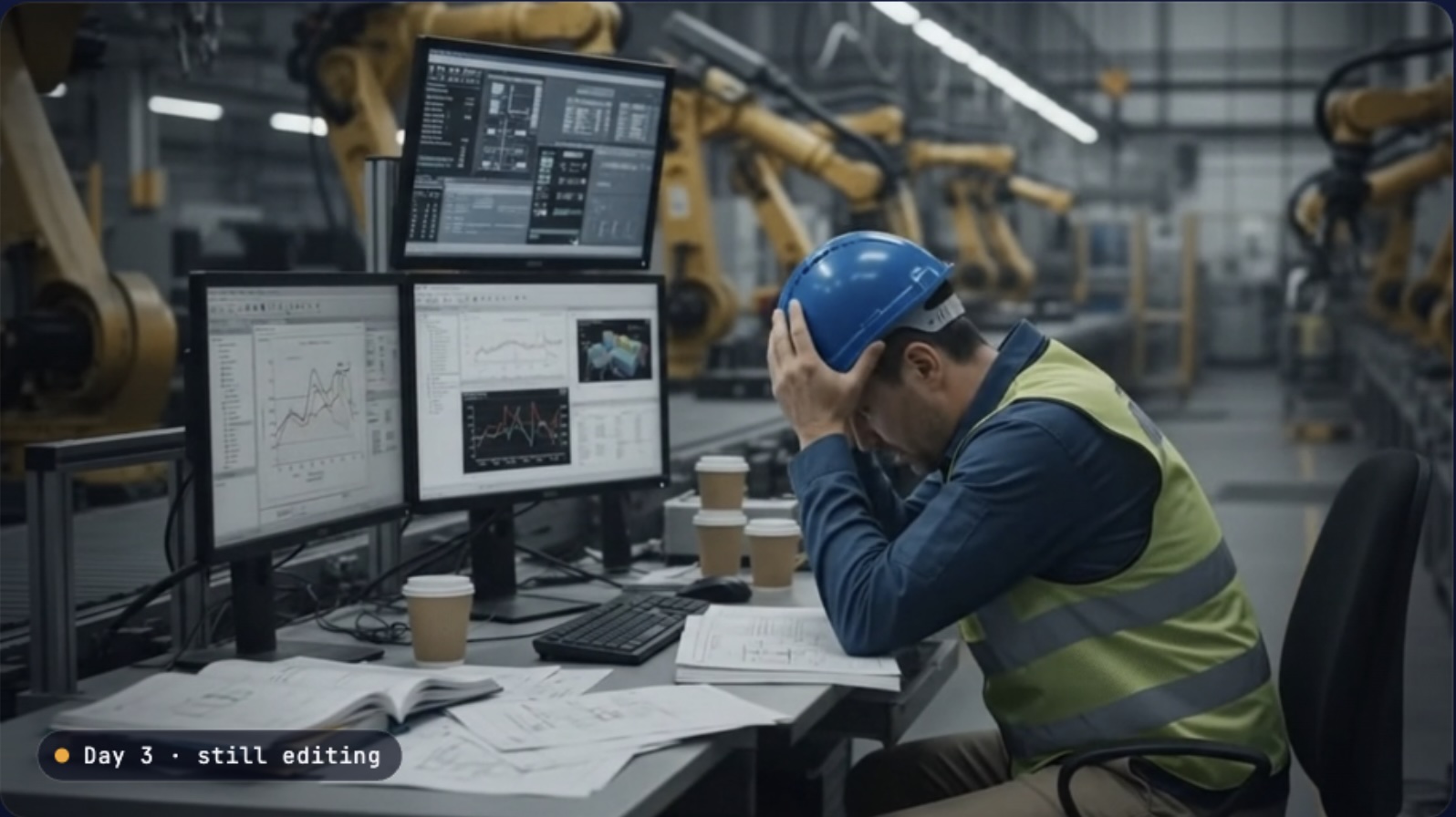
We are changing the way engineers run production line automation.
If modifying a PLC project takes days, the real problem is not the code. It is that no one fully understands it. Here is what we are building to change that.
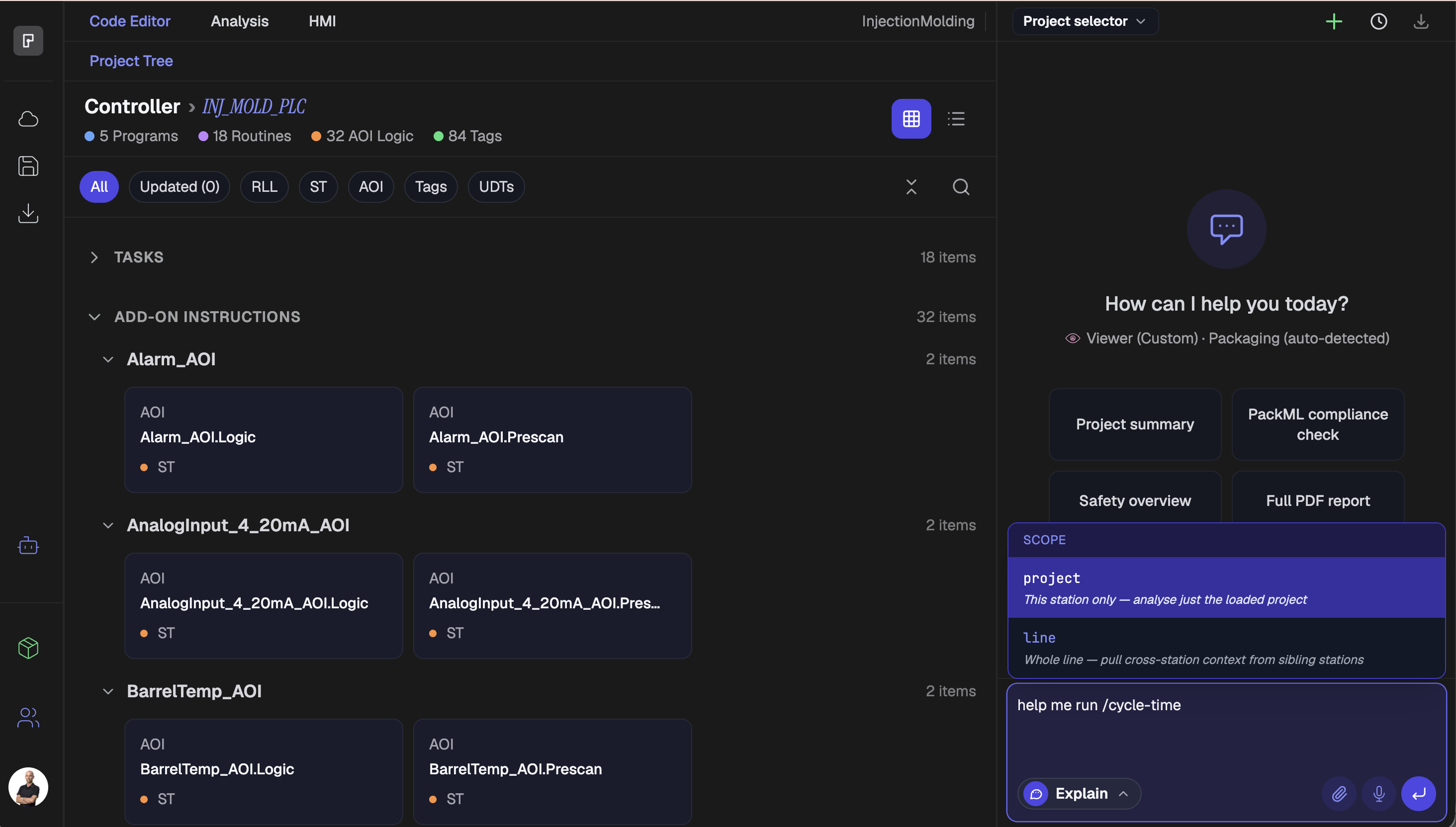
Six things every PLC engineer runs into, and how PLCs.ai finds them automatically.
Cycle-time bottlenecks, dead code, missing interlocks, broken handshakes, race conditions, and signal tracing. Plain-English explanations of concepts that usually take years on the floor to learn to spot.